Desktop Capture to Node Red via MQTT
This post uses a similar process to an earlier post (https://www.cloudacm.com/?p=3974) where images are piped through a MQTT broker. This post will not be using FFMpeg or images captured with a camera. Instead it will use a native application to capture the desktop screen.
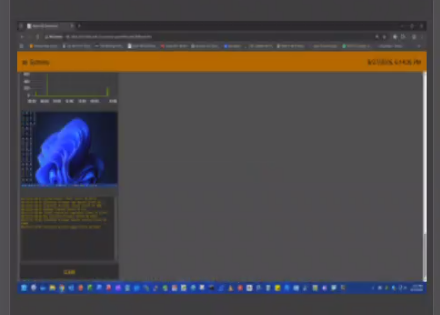
PowerShell is a Windows native application that will be used to capture the desktop. PowerShell will call a MQTT publish process to forward the base64 data to a broker. Although the MQTT application is not native, there are other processes that can handle the data in a similar way.
PowerShell.exe
-WindowStyle hidden -NoProfile -Command "Add-Type -AssemblyName System.Windows.Forms, System.Drawing; while($true) { $b = New-Object System.Drawing.Bitmap([System.Windows.Forms.Screen]::PrimaryScreen.Bounds.Width, [System.Windows.Forms.Screen]::PrimaryScreen.Bounds.Height); $g = [System.Drawing.Graphics]::FromImage($b); $g.CopyFromScreen(0, 0, 0, 0, $b.Size); $r = New-Object System.Drawing.Bitmap($b, [int]($b.Width * 180 / $b.Height), 180); $fp = 'C:\Tasks\Desktop.png'; $r.Save($fp); Start-Sleep -Milliseconds 500; & mosquitto_pub -h <MQTTBrokerHost> -t <TopicHost>/Desktop -f $fp; $g.Dispose(); $b.Dispose(); $r.Dispose(); Start-Sleep -Seconds 10 }"
Windows Task Scheduler will be used to run the command when a user logs into the system. The argument for the PowerShell command is the workhorse of this demo. It defines how often the capture occurs and the broker to send the data to. The scheduled task will need to be set up so that it only runs when a user has logged on.

The Node Red flow is similar to the earlier video stream process. The key difference is that the base64 data originates from the subscribed MQTT topic. All other aspects of the flow are identical to the earlier demo.
https://github.com/cloudacm/Desktop-Capture-to-Node-Red-via-MQTT
It should be noted that this is a demonstration and in no way is intended to be used in a production environment or for any other purpose. The argument code was generated using an AI model as a feasibility test.